
The essentials in 30 seconds
An AI IDE is a development environment where the assistant isn't a bolted-on extension but the core of the product: context-aware autocomplete, agent mode, multi-file editing. In 2026, the market comes down to five serious names.
- Cursor remains the reference for the majority of developers: precise autocomplete, visual diff, and the comfort of a VS Code fork. $18/month.
- Windsurf plays the same tune as Cursor with a slightly more advanced agent approach, also around $18/month.
- GitHub Copilot is the default choice if you already live in VS Code and GitHub, at $9/month.
- Replit targets the browser and instant deployment, handy for prototyping, at $20/month.
- Generalist IDEs with AI extensions (plain VS Code, JetBrains) are still viable but losing ground on the agentic experience.
Bottom line: Cursor for 80% of cases, Windsurf if you want to push the agent, Copilot for the budget, Replit for quick prototyping.
What we mean by "AI IDE"
A classic code editor with an autocomplete extension is no longer enough to earn the label. A real AI IDE in 2026 offers three things: autocomplete that anticipates multiple lines by reading the project's context, an agent mode capable of modifying multiple files and running commands, and a review interface that makes every change readable before you accept it.
That last point matters more than it seems. A tool that writes code you can't verify doesn't save you time — it transfers debt to you. Joute's rule is consistent: you outsource execution, not understanding. A good AI IDE shows you what it's doing. A bad one asks you to trust it.
If you're still unsure about the general approach, our guide to the best AI for coding tackles the problem from the other end: the model rather than the editor.
The ranking, from most versatile to most specialized
1. Cursor, the default choice
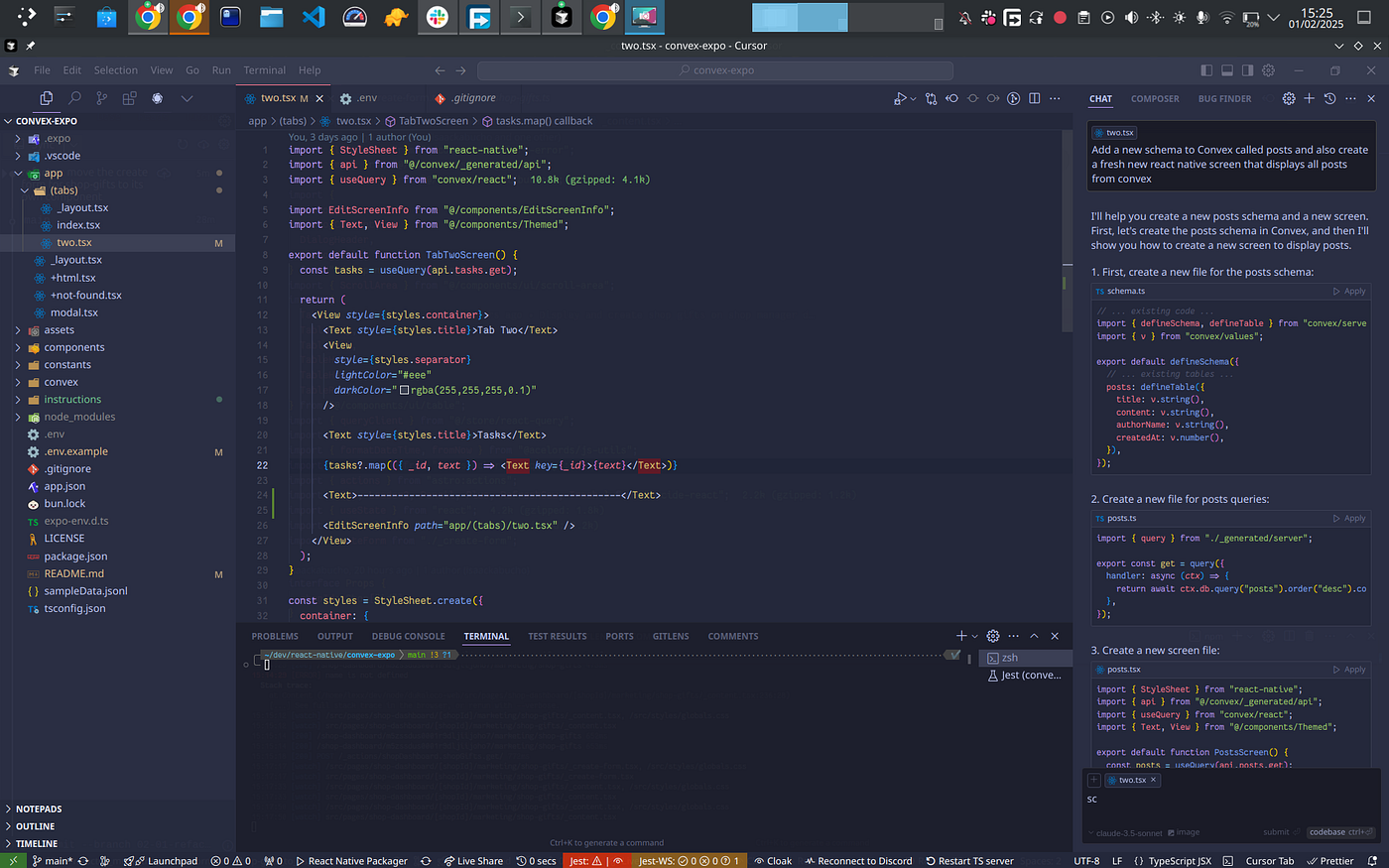
Cursor is a fork of Visual Studio Code redesigned around AI. In practice, your extensions, shortcuts, and themes carry over, and you gain multi-line autocomplete that correctly guesses the continuation of a function most of the time. It's the tool that wastes the least time on everyday small tasks: renaming, refactoring, fixing a localized bug.
Agent mode modifies multiple files in a row and runs commands in the terminal. It's genuinely powerful, and its visual diff makes the review process honest. The weak point isn't technical: it's the pricing, which has changed several times in a year. The Pro subscription at $18/month is enough for most people, but heavy use quickly pushes you toward pricier tiers or slowdowns once the quota is hit.
For the full breakdown, read our Cursor review and the duel Cursor vs Claude Code.
2. Windsurf, the agentic challenger
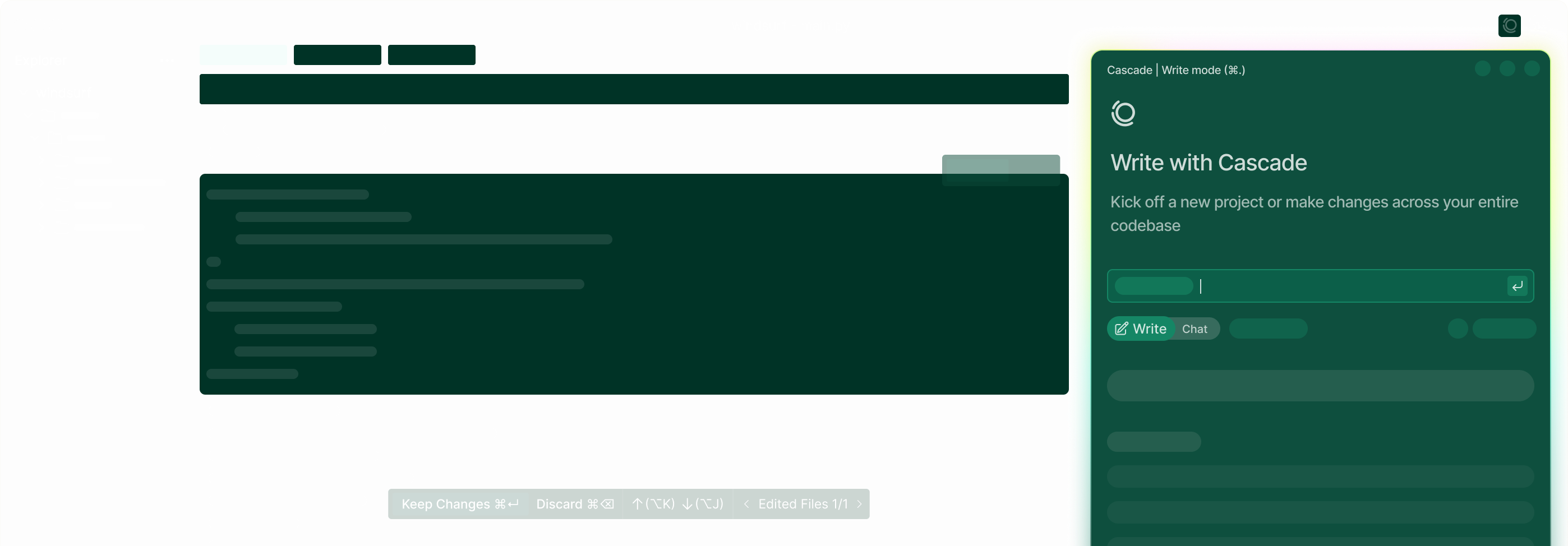
Windsurf goes straight at Cursor, with a positioning slightly more focused on the agent. The editor is solid, the autocomplete decent, and the agent mode holds up in comparison. At $18/month, it sits in exactly the same price range as Cursor.
The real reservation about Windsurf concerns its verifiability and long-term stability. The tool scores 4/10 on our obsolescence risk scale: its core value is precisely the type of functionality that legacy editors can absorb. That's not a flaw in the tool today — it's a bet on its longevity.
3. GitHub Copilot, the default plug-in
GitHub Copilot remains the simplest entry point. If you already use VS Code and GitHub, the integration is native, no editor switch required, and the $9/month price tag is the lowest in the ranking. The autocomplete is good, and agent mode has improved a lot.
The caveat: Copilot is still an extension. It does the assistant job very well, but it doesn't have the coherence of an editor designed end-to-end around AI, like Cursor. For heavy agentic use, you'll feel the difference.
4. Replit, the prototyper
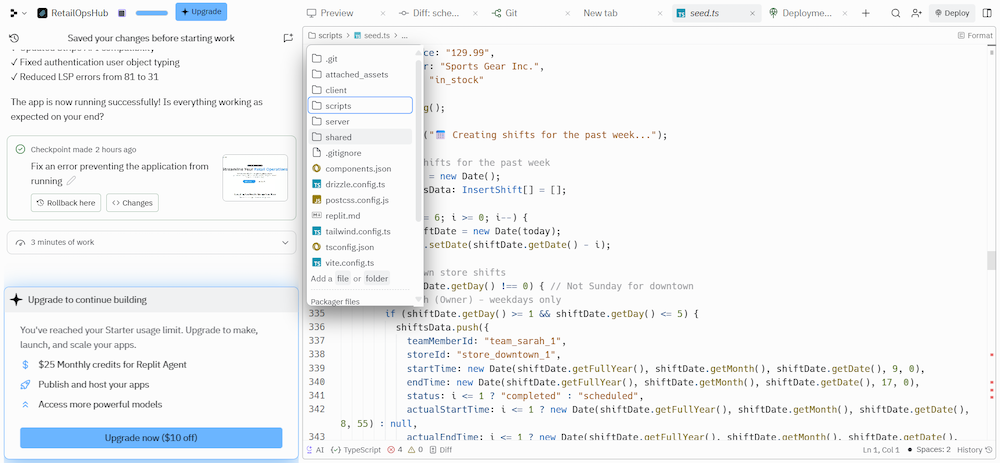
Replit shifts the cursor: everything happens in the browser, and you deploy with one click. It's the perfect tool for shipping a working prototype in a few hours without configuring a local environment. Its AI agent builds, runs, and hosts.
At $20/month, it's not the cheapest, and it's not an IDE for a large, demanding production project either. Replit excels at the start of a project and on demos; it shows its limits when the codebase grows. It's a phase tool, not a career tool.
5. Generalist IDEs with AI extensions
Plain VS Code with Copilot, or JetBrains with its in-house assistant, are still defensible choices. You keep a proven environment and layer AI on top. But in 2026, the experience gap with a native agentic editor has become clear. If your job is coding every day, the investment in a real AI IDE pays off fast.

Comparison table
| AI IDE | Starting price | Nature | Agent mode | Obsolescence risk | Who it's for |
|---|---|---|---|---|---|
| Cursor | $18/month | Full editor (VS Code fork) | Yes, mature | 8/10 | Everyday developers |
| Windsurf | $18/month | Full agentic editor | Yes, central | 4/10 | Agentic profiles |
| GitHub Copilot | $9/month | VS Code extension | Yes | 8/10 | Tight budget, GitHub ecosystem |
| Replit | $20/month | Browser-based, deployment incl. | Yes | 7/10 | Prototyping, demos |
| VS Code + extension | Variable | Editor + AI plugin | Depends on plugin | 8/10 | Traditionalists |
Prices are entry-level subscriptions verified in May 2026. In all cases, heavy use pushes toward higher tiers or triggers limits. Budget double if you're coding with AI all day.
How to choose based on your profile
You're a freelancer or a salaried engineer. Cursor. You bill by the result or you have deadlines, and autocomplete plus the visual diff saves minutes hundreds of times a day. It's the rational default choice.
You're pushing automation. Windsurf deserves a serious try, or a terminal agent like Claude Code as a complement. If you frequently launch long, autonomous tasks, the agent approach makes complete sense.
You're on a tight budget. GitHub Copilot at $9/month is unbeatable on price-to-value, especially if you're already on GitHub.
You're prototyping or teaching. Replit. Shipping a clickable demo without configuring an environment is exactly its turf.
You're just learning to code. None of them, as a permanent crutch. An IDE that codes for you while you're learning robs you of the learning you're after. Use one to observe, never to blindly accept code. Read everything, always.
You can also explore the AI for coding category to see all the tools listed.
Verdict
The AI IDE market has stabilized. Cursor remains the safest choice for the majority, because it optimizes the thousands of small interactions in a day of coding without forcing a radical habit change. Windsurf is a credible competitor for anyone who wants to push the agent. Copilot wins on price and integration. Replit has its niche — prototyping — and stays in it.
The only real trap is choosing a tool for its demos rather than for your actual use. Pick the one you'll open in the morning and keep open for eight hours. And never forget that the IDE accelerates a competent developer; it doesn't manufacture competence.
Frequently asked questions
What's the best AI IDE in 2026?
Cursor for the majority of developers: precise autocomplete, mature agent mode, clear visual diff, all in a VS Code fork at $18/month. Windsurf is the most credible alternative, GitHub Copilot the best price-to-value at $9/month.
Is there a free AI IDE?
GitHub Copilot offers a limited free plan, and most AI IDEs offer a trial. But no serious tool is entirely free under sustained use: the models have a cost, and it always ends up being billed one way or another.
Do you need to know how to code to use an AI IDE?
Yes. These tools accelerate a developer who can read code, spot an error, and judge a solution. They don't replace that skill. A beginner who accepts code without reviewing it produces a project they won't be able to maintain.
Cursor or GitHub Copilot — which should you choose?
Copilot if you want the lowest price and to stay in VS Code without changing anything. Cursor if you want the most polished experience, with an editor designed end-to-end around AI. The difference shows most on agentic tasks.
Does an AI IDE work offline?
The editor opens and edits text offline, but all AI features require a connection. None of these tools run the models locally.
Keep reading
Best AI for coding in 2026: the guide to choosing right
What's the best AI for coding in 2026? Claude, GPT, Cursor, Copilot: comparison of models and tools, prices in dollars, and advice by profile.
Claude MCP: what it is and how to actually use it
Clear guide on Claude MCP: what the Model Context Protocol does, how to install it, its limits, and whether you actually need it.
Best MCP Servers in 2026: Joute's picks for connecting Claude, Cursor, and the rest
Top useful MCP servers in 2026: filesystem, GitHub, browser, database. Which ones to install first on Claude Desktop, and which ones to skip.